

Certified Program Ratings
Master Advanced Excel & Become Job-Ready in Weeks
Hands-on training in real-time Excel tools, dashboards, automation & analytics — designed to get you hired.
Course Type
Online/Offline
Course Duration
40 Days
4.8+
Google Ratings
Trusted by 1000+ Students & Industry Professionals
4.8+
Google Ratings
5,000+
Students Trained
Certification
Industry-recognized
100%
Placement Assistance
What is Advanced Excel?
Advanced Excel is a powerful skill set used for analyzing, managing, and visualizing data efficiently in real-world business environments.
It helps professionals make data-driven decisions, automate repetitive tasks, and create insightful reports with speed and accuracy.
With Advanced Excel, you can:
- Analyze large datasets quickly and efficiently
- Create dynamic dashboards and reports
- Use advanced formulas like VLOOKUP, INDEX, MATCH, and IF
- Automate tasks using Macros and shortcuts
- Work on real-time business scenarios and case studies
Accurate Data Analysis
Smart Formulas & Automation
Real-Time Business Applications
Job-Ready Excel Skills
Hear from our successfully placed students























Start Your Data Career with Advanced Excel Course Today
Course Curriculum
Comprehensive modules designed by industry expert.
Module 1: Introduction to Advanced Excel
- Overview of Excel Interface
- Customizing the Ribbon and Quick Access Toolbar
- Excel Settings & File Management Techniques
Module 2: Data Entry, Formatting & Shortcuts
- Data Types and Formatting
- Number, Text & Custom Formatting
- Keyboard Shortcuts for Productivity
Module 3: Working with Formulas & Functions
- Formula Basics and Relative vs Absolute References
- Using Named Ranges
- Troubleshooting Formula Errors
Module 4: Logical Functions
- IF, AND, OR, XOR, NOT Functions
- Nested IF Conditions
- IFERROR, IFS & SWITCH Functions
Module 5: Lookup & Reference Functions
- VLOOKUP, HLOOKUP, XLOOKUP
- INDEX & MATCH
- OFFSET, INDIRECT & CHOOSE Functions
Module 6: Text Functions
- LEFT, RIGHT, MID, LEN, TRIM, UPPER, LOWER
- CONCATENATE, TEXTJOIN, REPLACE, SUBSTITUTE
- Extracting & Cleaning Text Data
Module 7: Date & Time Functions
- TODAY, NOW, DATE, DATEDIF
- NETWORKDAYS, WORKDAY, EOMONTH
- Calculating Age, Tenure, and Project Durations
Module 8: Statistical & Math Functions
- SUMIF, COUNTIF, AVERAGEIF
- SUMIFS, COUNTIFS, AVERAGEIFS
- ROUND, RANK, LARGE, SMALL
Module 9: Data Validation & Conditional Formatting
- Creating Drop-Down Lists
- Setting Input Rules & Error Messages
- Advanced Conditional Formatting with Formulas
Module 10: Sorting, Filtering & Data Cleaning
- Multi-Level Sorting & Custom Filters
- Removing Duplicates
- Power Query for Data Transformation
Module 11: Charts & Graphs
- Column, Line, Pie, and Combo Charts
- Dynamic Charts with Form Controls
- Waterfall, Gantt, and Sparklines
Module 12: PivotTables & Power Pivot
- Creating PivotTables & PivotCharts
- Grouping, Summarizing, and Filtering
- Power Pivot & Data Model Relationships
Module 13: What-If Analysis & Data Tools
- Goal Seek, Scenario Manager, and Data Tables
- Consolidation of Data from Multiple Sheets
- Forecasting Tools and Trend Analysis
Module 14: Advanced Data Analysis Tools
- Using Solver for Optimization
- Descriptive Statistics
- Data Sampling and Correlation
Module 15: Power Query & Power Pivot
- Importing & Cleaning Data with Power Query
- Creating Relationships in Power Pivot
- Combining Multiple Data Sources
Module 16: Macros & VBA Basics
- Recording and Running Macros
- Introduction to VBA Editor
- Writing Simple VBA Codes for Automation
Module 17: Dashboard Design & Reporting
- Creating Interactive Dashboards
- Using Form Controls (Buttons, Sliders, Drop-Downs)
- Linking Charts and PivotTables for Dynamic Reports
Module 18: Excel Integration
- Linking Excel with Power BI
- Importing Data from SQL, Web & CSV Files
- Exporting Data for Reports
Module 19: Collaboration & Security
- Workbook and Worksheet Protection
- Track Changes & Shared Workbooks
- Data Encryption and Password Protection
Module 20: Real-Time Projects & Case Studies
- Business & Financial Analysis Projects
- Sales & Marketing Data Reports
- HR, Payroll & Inventory Analysis using Excel
Our Hiring Clients















Get Certified in Advanced Excel & Boost Your Career
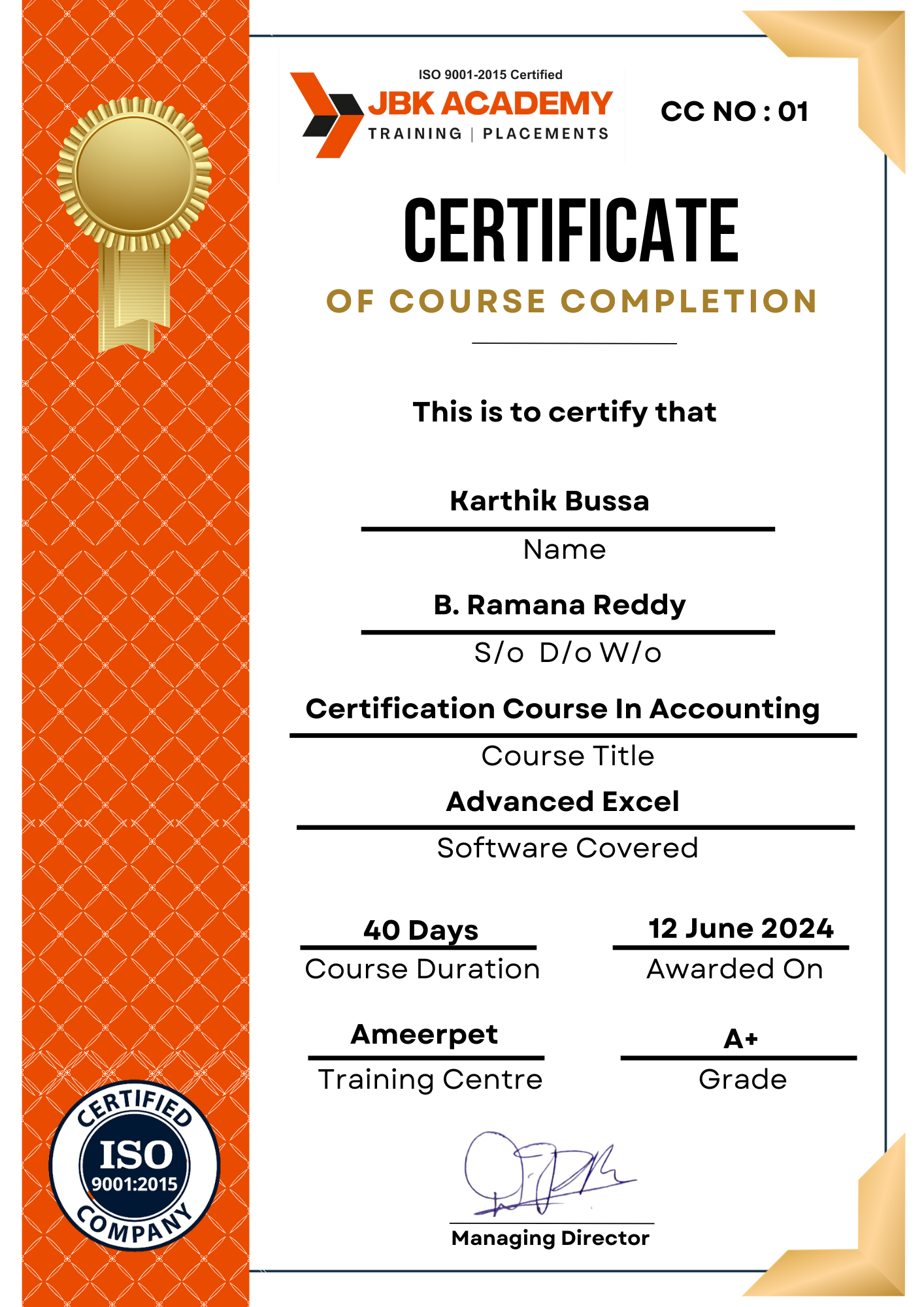
After successfully completing the Advanced Excel training at JBK Academy, you will receive an industry-recognized certification that validates your skills in data analysis, reporting, and business productivity.
This certification helps you stand out to employers and proves your ability to handle real-world data tasks with confidence and efficiency.
- Course Completion Certificate from JBK Academy
- Real-Time Project Experience Certificate
- Guidance for Microsoft Excel Certification
- Interview-Ready Skill Development
- Recognized by Hiring Companies
Our Classroom Experience
Learn in a practical, hands-on classroom environment guided by expert trainers.










Why JBK Academy
Industry-Focused Advanced Excel Training That Makes You Job-Ready
Expert Trainers
10+ years of experience in data analytics
Practical Learning
Hands-On Projects & Live Practice
Career Support
Resume building, mock interviews, and job assistance
Certification
Get certified and validate your Power BI
Start Your Data Career with Advanced Excel Course Today
Student Reviews
Limited Seats Available – Enroll in the Next Batch.
- 9985023100
- 7-1-451/22/10 First floor, Durga Bhavani Complex, Kumar Basti, Ameerpet, Hyderabad, Telangana 500016