The Photoshop course at JBK Academy Marathahalli is designed to help learners master photo editing and graphic design skills using Adobe Photoshop. The course focuses on practical, hands-on training with real-time projects to build creative and professional designs. Students will learn essential Photoshop tools such as layers, masks, color correction, photo retouching, image manipulation, and creative effects. The training starts from basics and gradually covers advanced techniques, making it suitable for beginners and professionals. This course is ideal for students, job seekers, designers, and marketing professionals who want to enhance their creative skills. By the end of the course, learners will be able to design posters, banners, social media creatives, advertisements, and professional-quality images. JBK Academy Marathahalli is known as the best Photoshop training institute in Marathahalli, offering expert guidance, practical learning, and career-focused training.
The Photoshop course at JBK Academy Marathahalli is designed to help learners master professional photo editing and graphic design skills using Adobe Photoshop. This course focuses on practical, hands-on training to create high-quality designs used in marketing, branding, and digital media. Students learn essential Photoshop concepts such as image editing, layers, masks, color correction, retouching, photo manipulation, and creative effects. Training starts from basics, making the course suitable for beginners as well as working professionals. This course is ideal for students, designers, photographers, digital marketers, and anyone interested in creative design. By the end of the course, learners can confidently design posters, banners, social media creatives, advertisements, and professional visuals. JBK Academy Marathahalli is known as the best Photoshop training institute in Marathahalli, offering expert trainers, practical learning, and career-focused guidance.
A Photoshop course teaches how to edit, enhance, and design images using Adobe Photoshop, one of the most popular graphic design software tools. The course focuses on creating professional designs for digital and print media. In this course, learners understand Photoshop basics like tools, layers, masks, color correction, photo retouching, image manipulation, and creative effects. Training starts from fundamentals, making it ideal for beginners. A Photoshop course helps students design posters, banners, social media creatives, advertisements, brochures, and professional photos. It is useful for students, designers, photographers, digital marketers, and creative professionals. JBK Academy Marathahalli offers practical and industry-focused Photoshop training and is known as the best Photoshop training institute in Marathahalli.
The Photoshop course at JBK Academy Marathahalli provides structured training in Adobe Photoshop, focusing on essential tools and techniques used in digital imaging, graphic editing, and creative design. This course covers practical applications of Photoshop for photo retouching, layering, masking, color correction, and creative effects. The Photoshop training in Marathahalli, Bangalore emphasizes hands-on learning with real projects and real examples used in graphic design workflows. Training sessions include practical exercises that support development of skills in photo manipulation, digital artwork creation, and professional image editing. The Photoshop course in Marathahalli also includes training in tools and features such as selection tools, brushes, text effects, filters, and advanced compositing methods. The curriculum is designed to align with current industry practices for digital designers, visual artists, and marketing professionals. The Photoshop training institute in Marathahalli, Bangalore provides practical lab sessions that enhance creativity and technical skills, helping learners apply Photoshop tools to real design tasks. Topics such as background removal, image optimization, and creative layout preparation are part of the course structure. The course content is regularly updated to reflect the latest Adobe Photoshop features and design trends. The Photoshop course in Bangalore supports career paths in graphic design, visual content creation, digital media, marketing design, and creative services across various industries.
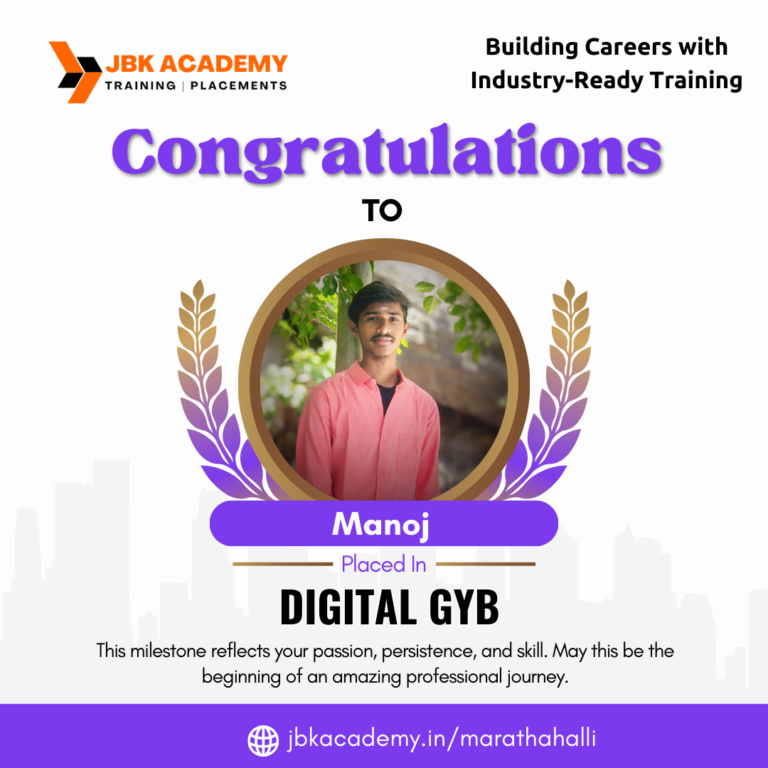
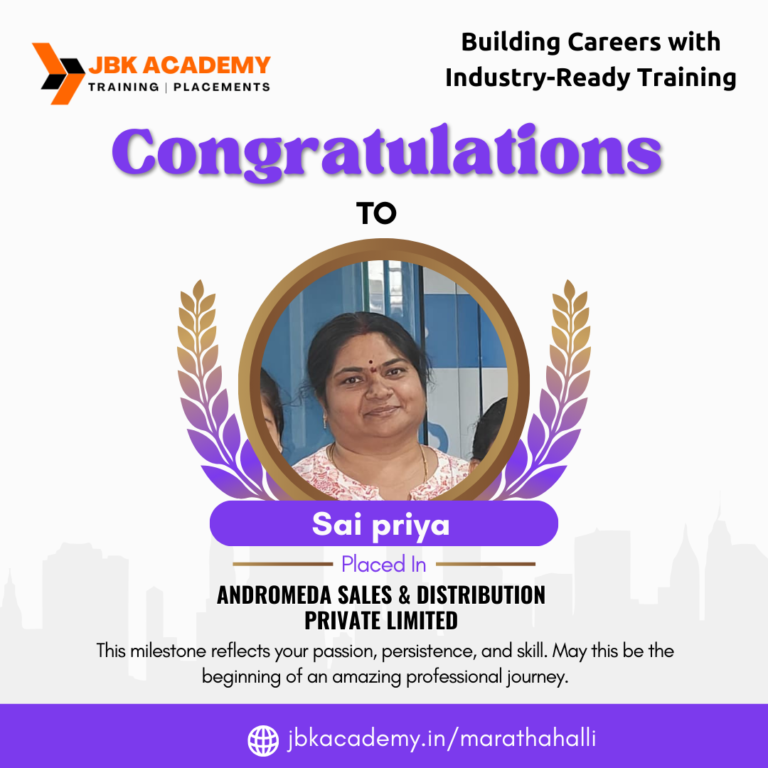
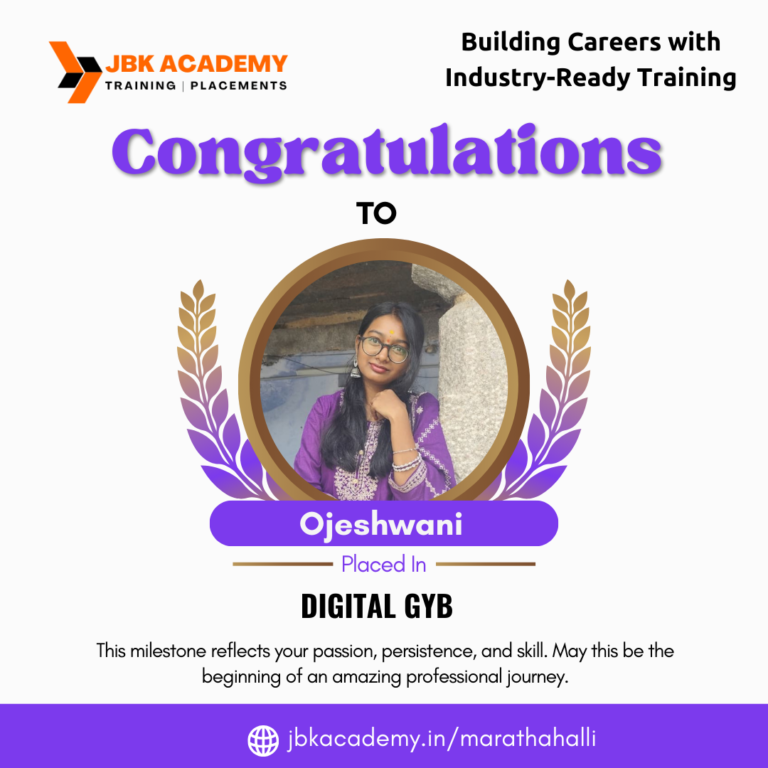



Upgrade your skills with easy-to-understand training, real projects, and trainer support. Perfect for students, freshers, and working professionals.

Completed the Photoshop course at JBK Academy Marathahalli with practical sessions on photo editing and creative design. Training included tools for retouching, layering, and visual effects used in real projects.
The Photoshop training in Marathahalli, Bangalore covered essential techniques such as background removal, color correction, and compositing. Practical exercises helped strengthen design skills.
Photoshop course at JBK Academy Marathahalli provided hands-on training with real design tasks. The curriculum covered selection tools, filters, blending modes, and text effects frequently used in graphic design.
Joined the Photoshop course in Marathahalli for image editing and creative content skills. The training included practical examples of photo enhancement and design layouts used in marketing material development.
“The Photoshop training institute in Marathahalli, Bangalore emphasized practical design tasks and real projects. The course included advanced editing techniques and creative workflows for visual content creation.
























The Photoshop Course is a practical training program that teaches you how to edit images, design creatives, and work on professional graphic design projects using Adobe Photoshop. The course focuses on real-time tools used in design studios, digital marketing agencies, and media companies.
Anyone interested in graphic design can join. This course is ideal for students, beginners, working professionals, digital marketers, photographers, social media managers, and business owners who want to design creatives on their own.
No prior design experience is required. The Photoshop Course starts from the basics and gradually moves to advanced concepts, making it suitable even for beginners.
The course covers tools and panels, image editing, retouching, color correction, layers, masks, typography, social media creatives, poster design, banner design, photo manipulation, and export settings for print and digital use.
The Photoshop Course is 100% practical. Students work on real-time projects, assignments, and design tasks to gain hands-on experience.
The duration of the Photoshop Course varies depending on the learning mode, but it generally ranges from a few weeks to a couple of months with regular practical sessions.
Yes, students receive a course completion certificate after successfully finishing the Photoshop Course, which helps improve job opportunities.
Yes. After completing the Photoshop Course, you can work as a freelancer creating posters, banners, social media creatives, thumbnails, and marketing designs for clients.
After completing the Photoshop Course, you can work as a Graphic Designer, Photoshop Editor, Digital Marketing Designer, Creative Executive, Social Media Designer, or Freelancer.
Absolutely. Photoshop is one of the most important tools for digital marketing. It is widely used to design social media posts, ads, banners, thumbnails, and website creatives.